Nissan Training Modules


Product Design

Role
UX/UI Designer
Timeline
3 Months

Nissan had a training problem. New hires were expected to understand how the business worked across departments… but no one ever really showed them how. The result? Lost time, lost money, and a lot of quiet nodding in meetings while people Googled things later. Budgets were tight, there were zero existing assets to work with, and even when someone completed a training module, Nissan couldn’t be sure any of it actually stuck. The ask was simple (and not simple at all): create training that could scale globally, actually teach people how Nissan works, and help employees feel confident doing their jobs—without buying an off-the-shelf solution or pretending one size fits all.

The process

There was no foundation and no budget to build learning modules from scratch, so someone had to find a way forward—and that was me. I evaluated the options, made the call, and kept things moving. Adobe Captivate was the platform that could realistically scale within our constraints.

Before anything could be designed, the content had to make sense. I took raw, unstructured information and shaped it into clear narratives new hires could actually understand.

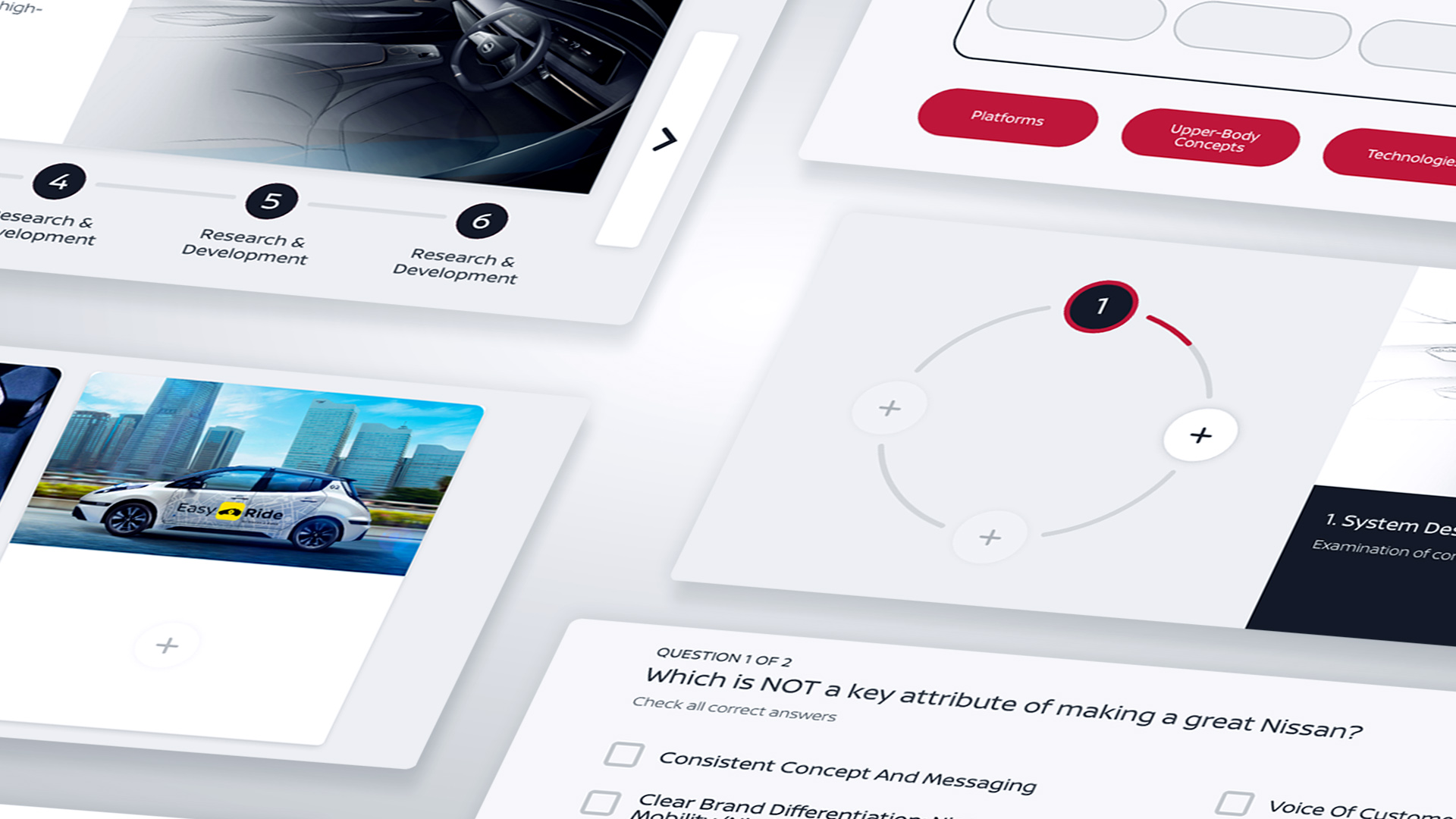
I broke the content into modular components that were easy to absorb and repeat. Each piece was designed to work within Adobe Captivate’s limitations while still feeling intentional and human.

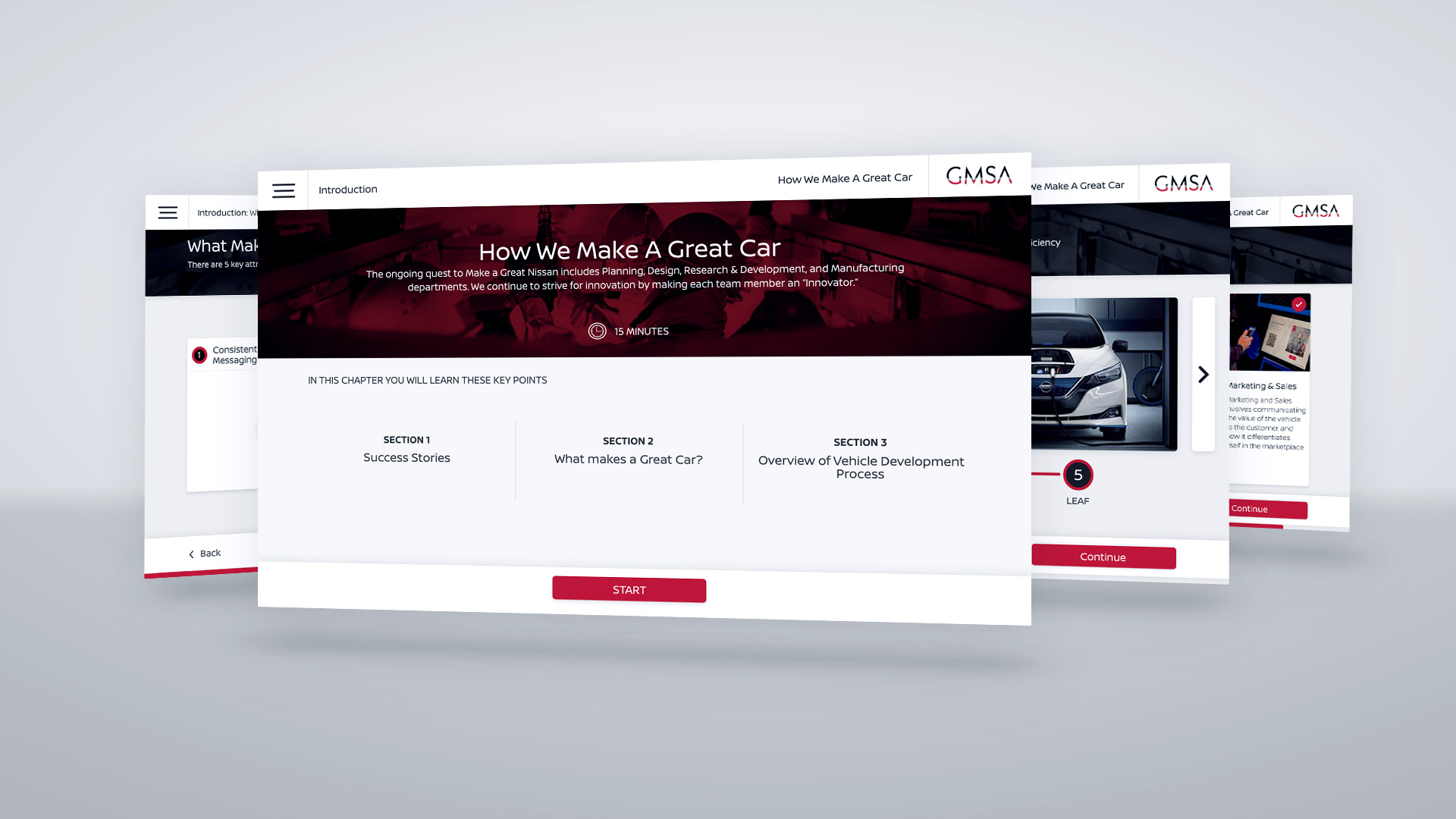
Those components came together as full prototypes, letting us test structure, pacing, and interaction early—and fix issues before they became real problems.

With the experience validated, I built a clean, straightforward visual style focused on clarity, usability, and reducing friction for learners.

the stats

13
Interaction components
17
Individual courses
2
Compete learning modules